Celestron CGE Pro Equatorial Mount: Replacing The Internal Battery
I’ve been having to reset the time or clock on my Celestron CGE-Pro equatorial mount before observing. I just recently found out from others, there is a CR2025 battery that requires changing from time to time.
Celestron calls for a CR2025 as a replacement battery.
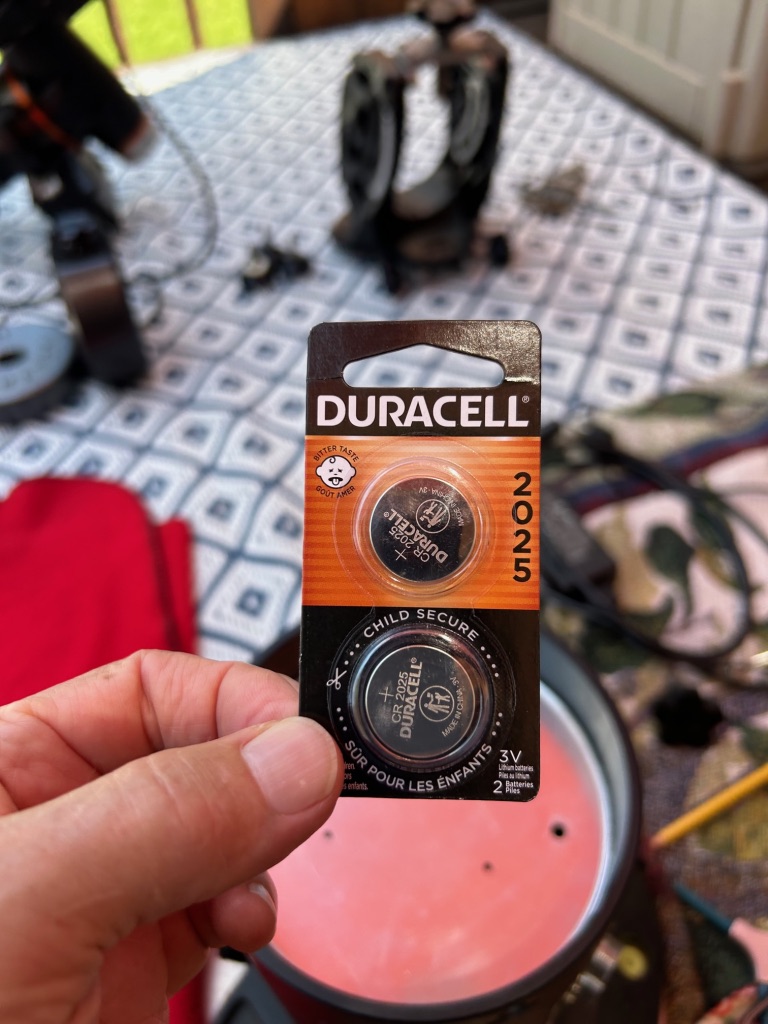
Re: Replacing the internal battery in a Celestron CGE-Pro Equartorial Mount from Celestron online, as following:
The battery is located under a clip on the PC > Autoguide > Power Cord board inside the pier. Replace with a 3-volt CR2025, available at many drug, photo, and hardware stores.
It’s actually a fairly straight forward process, but “can be” time consuming.
There are a lot of electronics surrounding this battery…so you don’t want to damage your mount electronics due to an inexpensive leaking battery.

The bolts that hold this top cap are Allen heads requiring a 5.5 mm wrench. Seldom do I find any application, involving telescopes, high-end precision bicycles or other that require half sizes, but this is no problem.
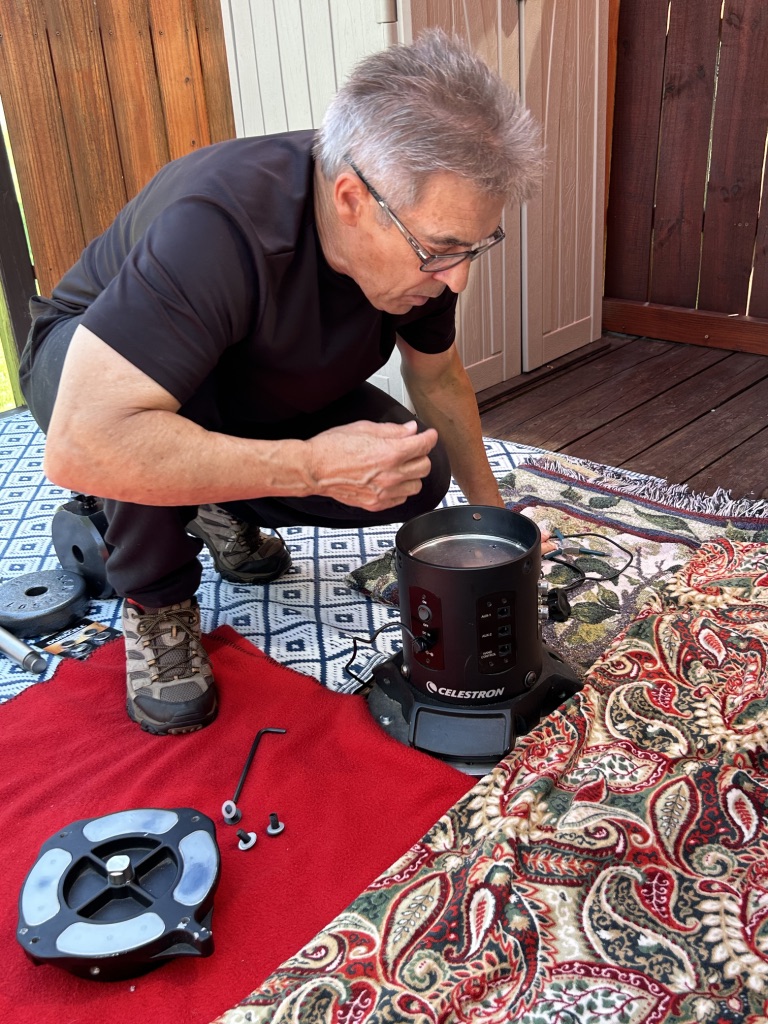
The following plate was a bit difficult to remove. It was “stuck” and required attempting with several techniques before finally getting it out. It had drops of silicon in several places along the edge, which had to be removed and cleared before removing the aluminum plate.
I found that using Allen wrenches “to hook under the two larger holes” in conjunction, and then pulling up was successful.
Use care as not to damage the plate, or some of the ribbon wires, located just underneath the plate.
When installing the new battery, I used “nitrile powder-free gloves” to avoid getting finger oil or grease on the battery.
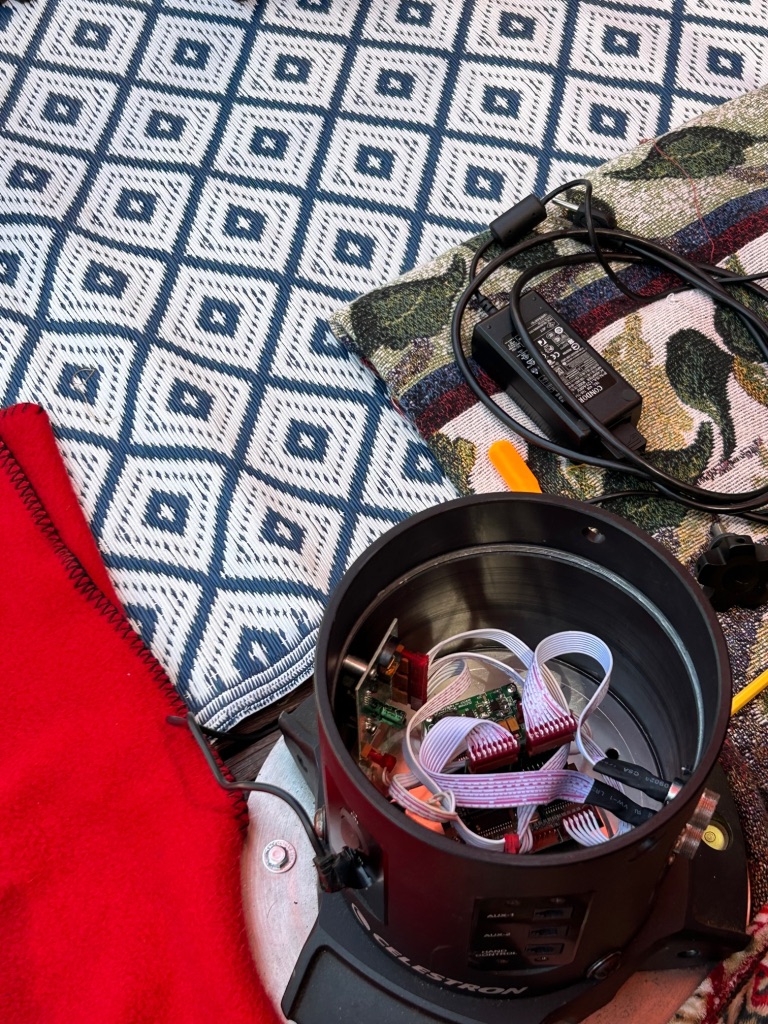
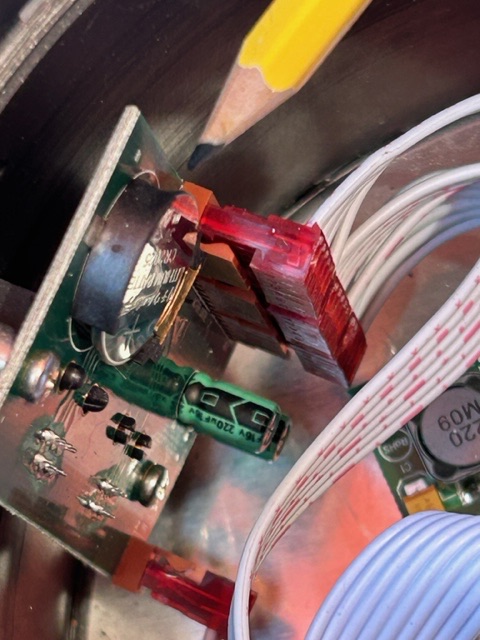
Remove the old battery, insert the new one, and then reassemble the mount, connect the Dec and RA cables and you’re all finished.
However, everything related to time and dates will have to be changed via the hand controller.
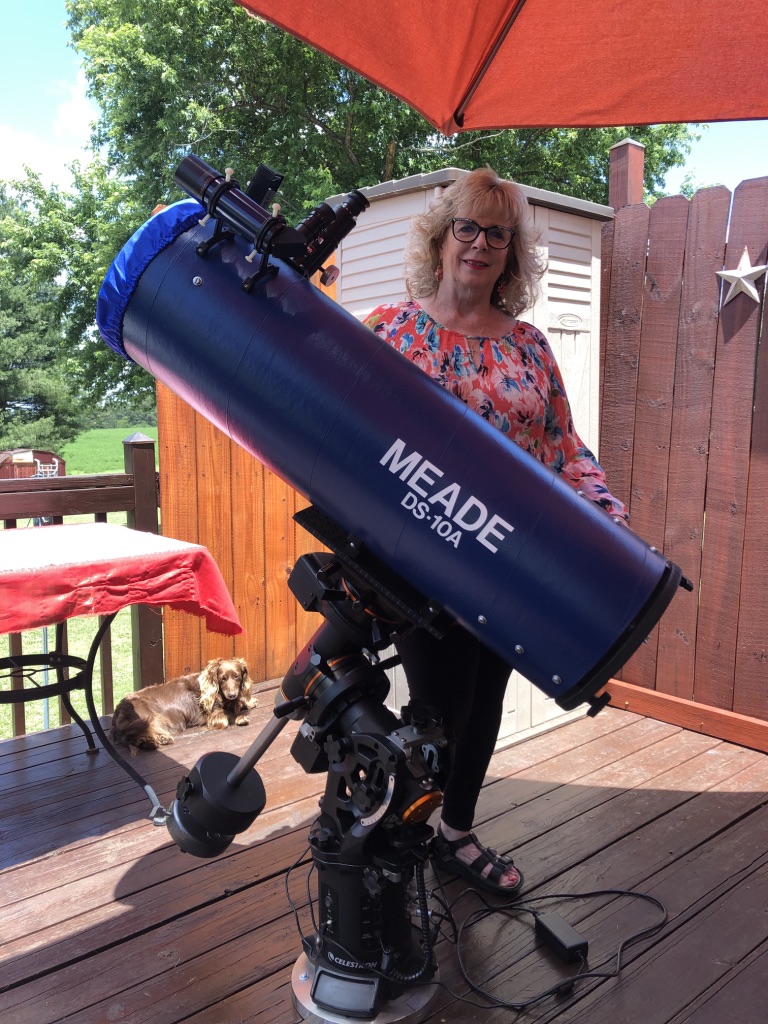
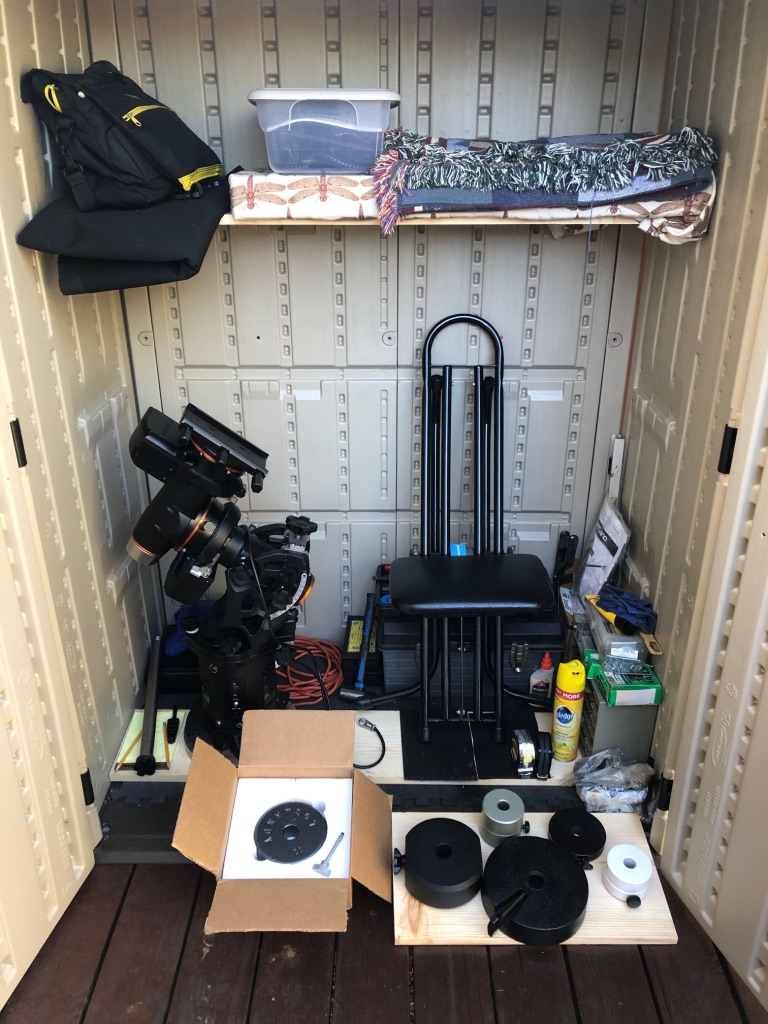
Storage:
I had set the clock, and checked all other specifications during this afternoon. However, last night when performing the alignment process, the mount couldn’t even find Vega, just overhead. And could not perform any two or three star alignment.
So finally, after at least an hour of frustration…I did a “complete factory reset” and reentered all necessary information which resolved the problem.
Note: After the battery change, the time is perfect, each and every time.
Explore posts in the same categories: Roger's Articles rogerivester.com